
Making animations interactive—such as hover-based enlargements or draggable components—creates a more dynamic experience. Motion should always respond to user actions naturally.
The Essentials of UI Animation
Great animations make user interfaces feel natural and intuitive. Understanding timing, spacing, and easing is essential to achieving smooth motion.
Start by experimenting with simple effects like fading, sliding, and scaling to see how different durations and easing settings affect user perception.
Easing for More Realistic Motion: Easing functions control how animations accelerate and decelerate. A well-placed ease-out makes elements feel responsive and natural.
Keyframes for Complex Movement: Keyframes allow for multi-step transitions, such as scaling an element while it moves across the screen.
Enhancing Interaction with Motion: A button that grows slightly when hovered or a draggable element that smoothly snaps into place makes UI feel more interactive.
Scroll-Based Animations for Immersion: Elements can fade in, slide, or transform as users scroll, making content more engaging and guiding their journey.
Animation should enhance usability, not distract from it. To achieve this, focus on timing, easing, and spacing to create smooth, natural motion.
Start small—try simple fade-ins, slides, or scaling effects to see how different speeds and easing settings influence user perception.
Success Tips
Experiment with keyframes to create animations that involve more than just one movement. For instance, create a looping animation that scales, rotates, and moves an object across the screen.
A well-animated hover effect or a draggable component that snaps into position improves the user experience.
Making animations interactive—such as hover-based enlargements or draggable components—creates a more dynamic experience. Motion should always respond to user actions naturally.
The Essentials of UI Animation
Great animations make user interfaces feel natural and intuitive. Understanding timing, spacing, and easing is essential to achieving smooth motion.
Start by experimenting with simple effects like fading, sliding, and scaling to see how different durations and easing settings affect user perception.
Easing for More Realistic Motion: Easing functions control how animations accelerate and decelerate. A well-placed ease-out makes elements feel responsive and natural.
Keyframes for Complex Movement: Keyframes allow for multi-step transitions, such as scaling an element while it moves across the screen.
Enhancing Interaction with Motion: A button that grows slightly when hovered or a draggable element that smoothly snaps into place makes UI feel more interactive.
Scroll-Based Animations for Immersion: Elements can fade in, slide, or transform as users scroll, making content more engaging and guiding their journey.
Animation should enhance usability, not distract from it. To achieve this, focus on timing, easing, and spacing to create smooth, natural motion.
Start small—try simple fade-ins, slides, or scaling effects to see how different speeds and easing settings influence user perception.
Success Tips
Experiment with keyframes to create animations that involve more than just one movement. For instance, create a looping animation that scales, rotates, and moves an object across the screen.
A well-animated hover effect or a draggable component that snaps into position improves the user experience.
Posted on:
November 12, 2024
Author:
Nadia Khan


Posted on:
November 12, 2024
Author:
Nadia Khan
Related Blogs
Related Blogs



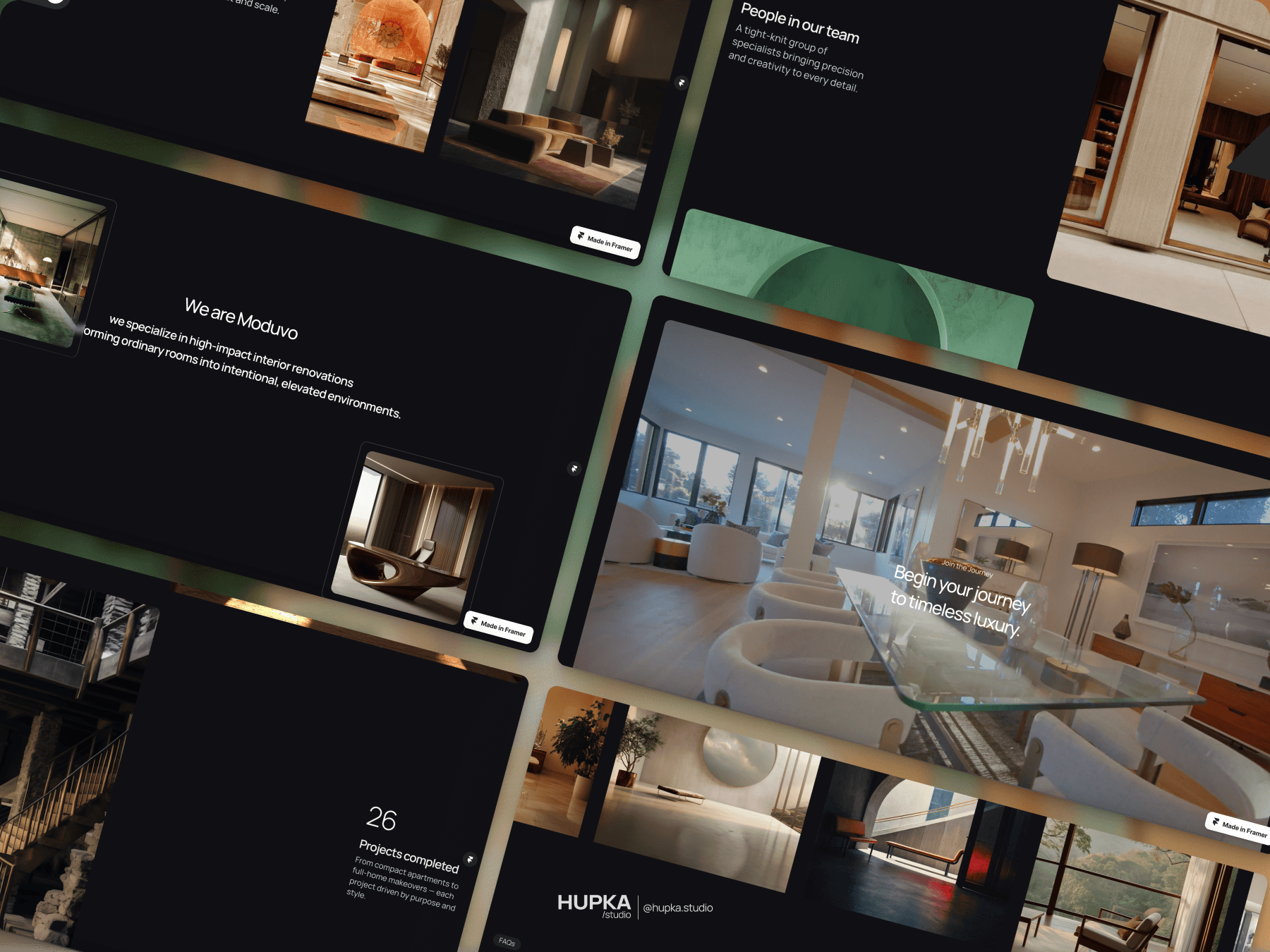
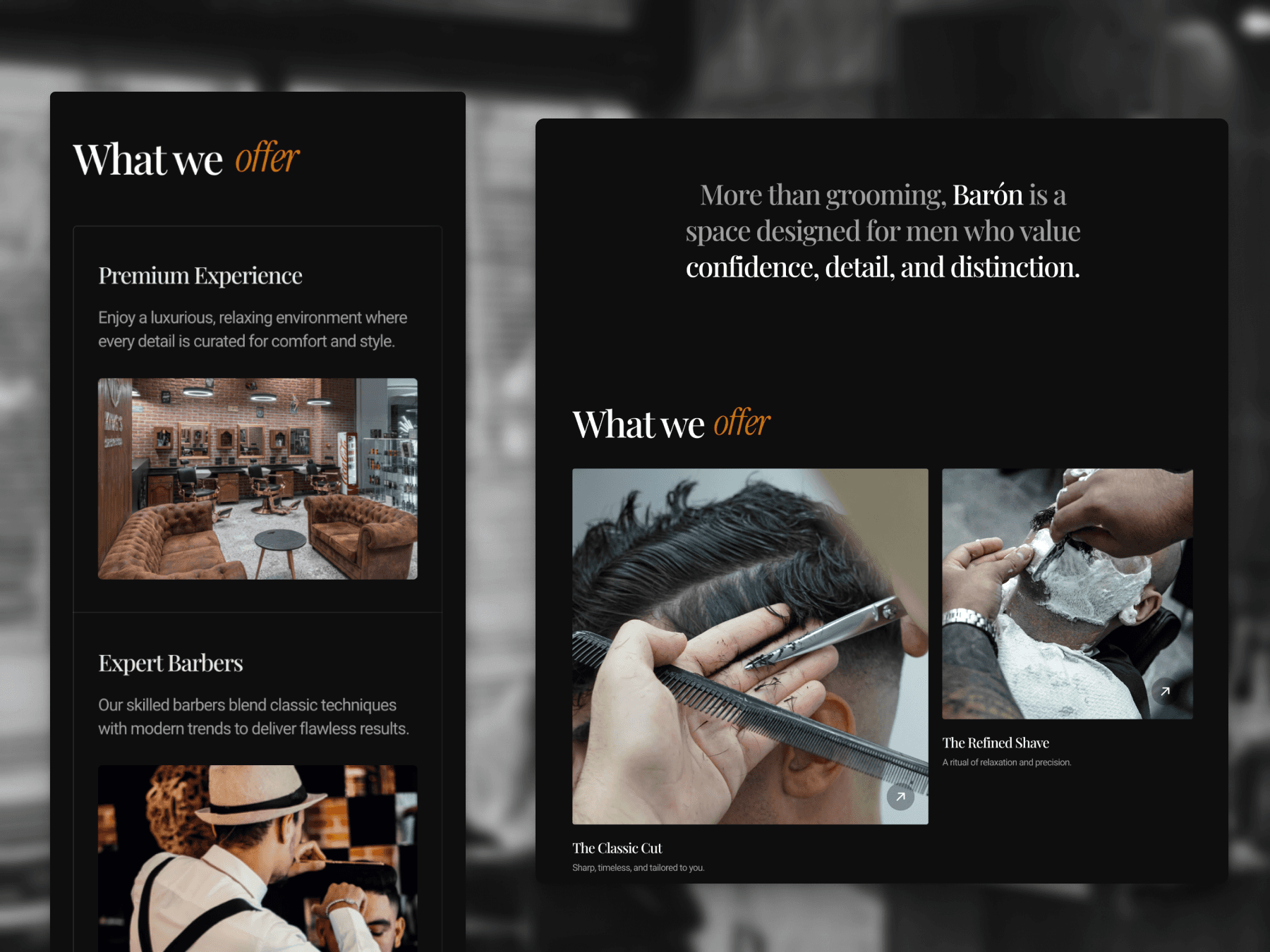
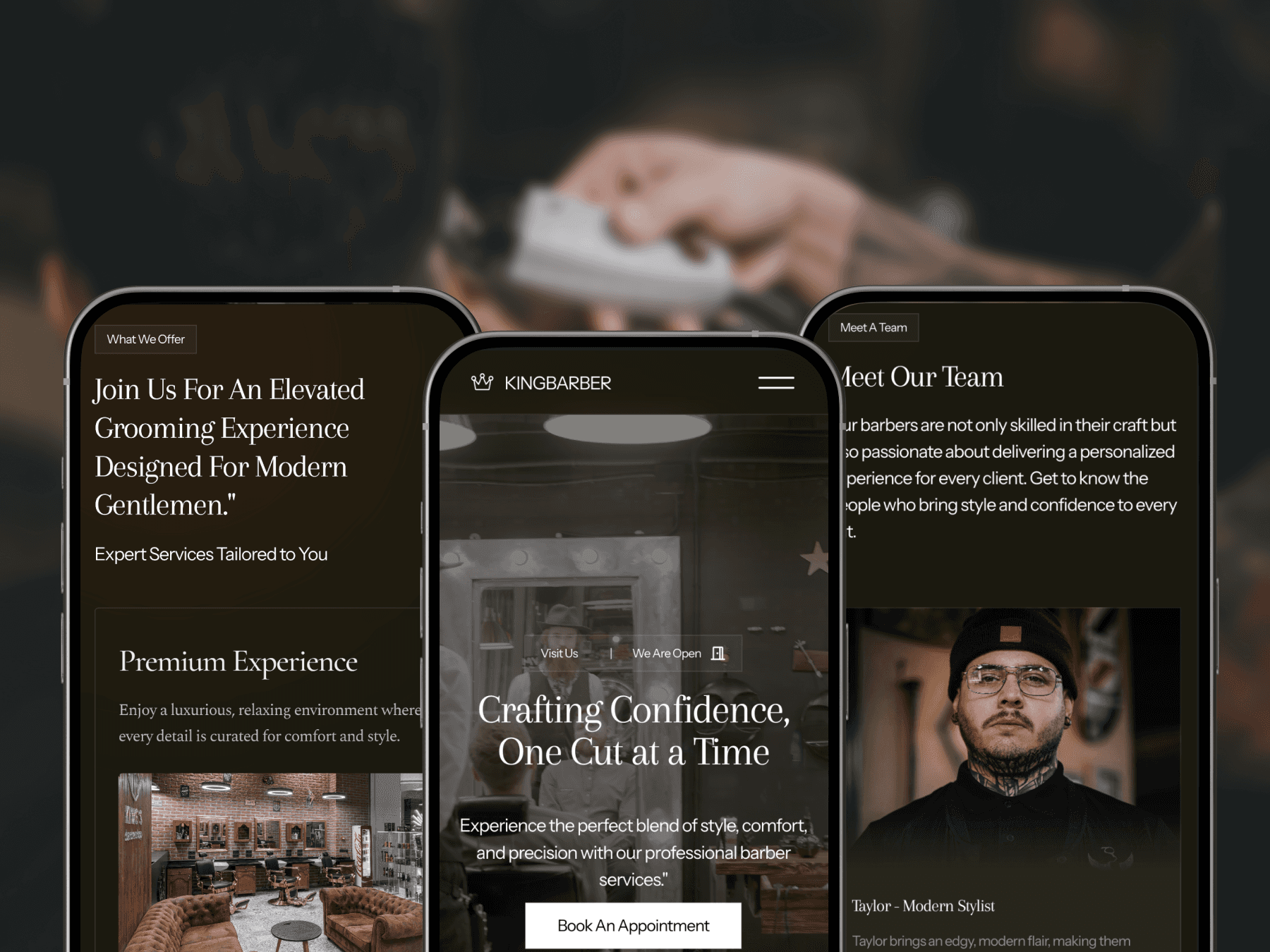
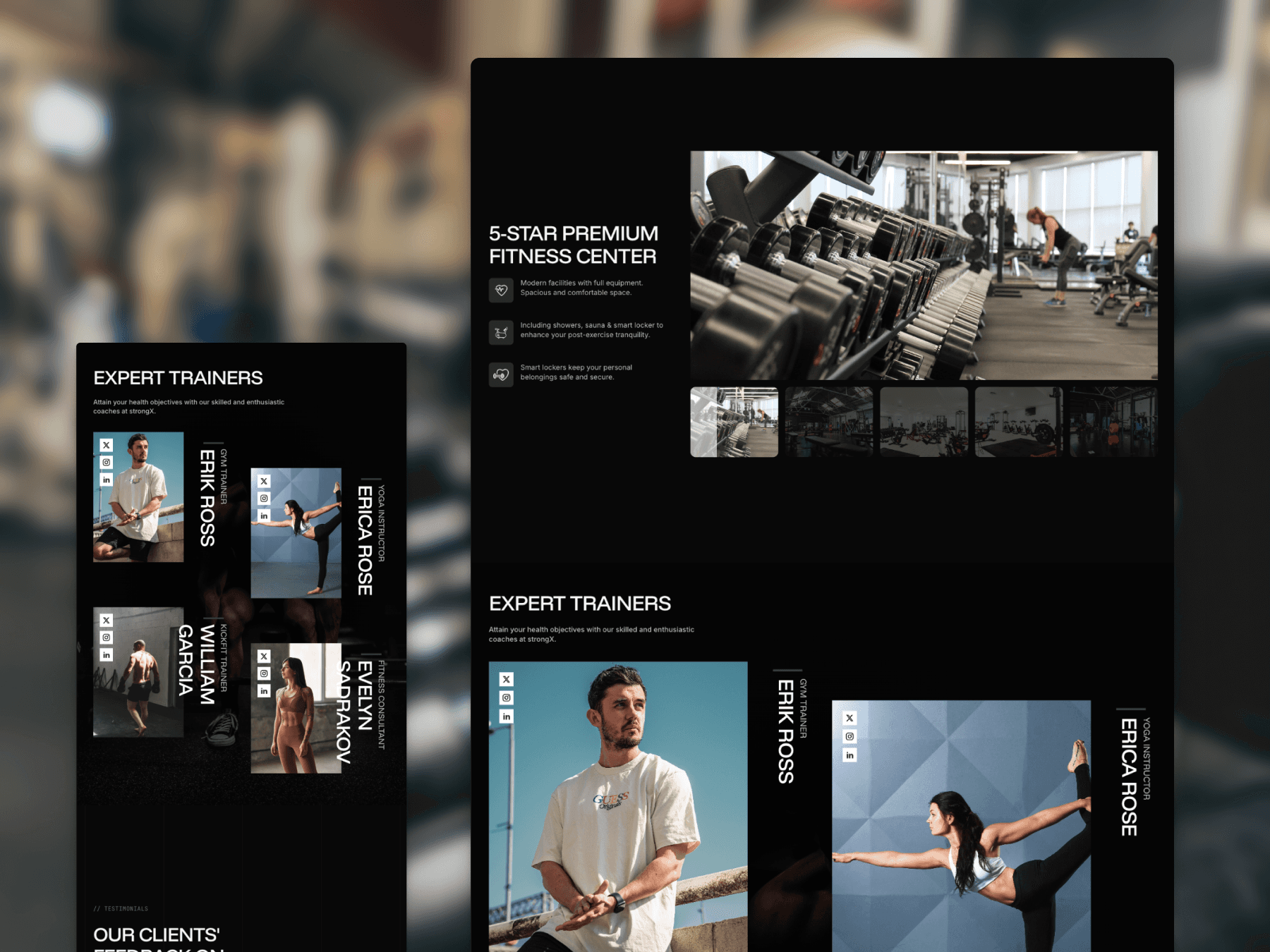
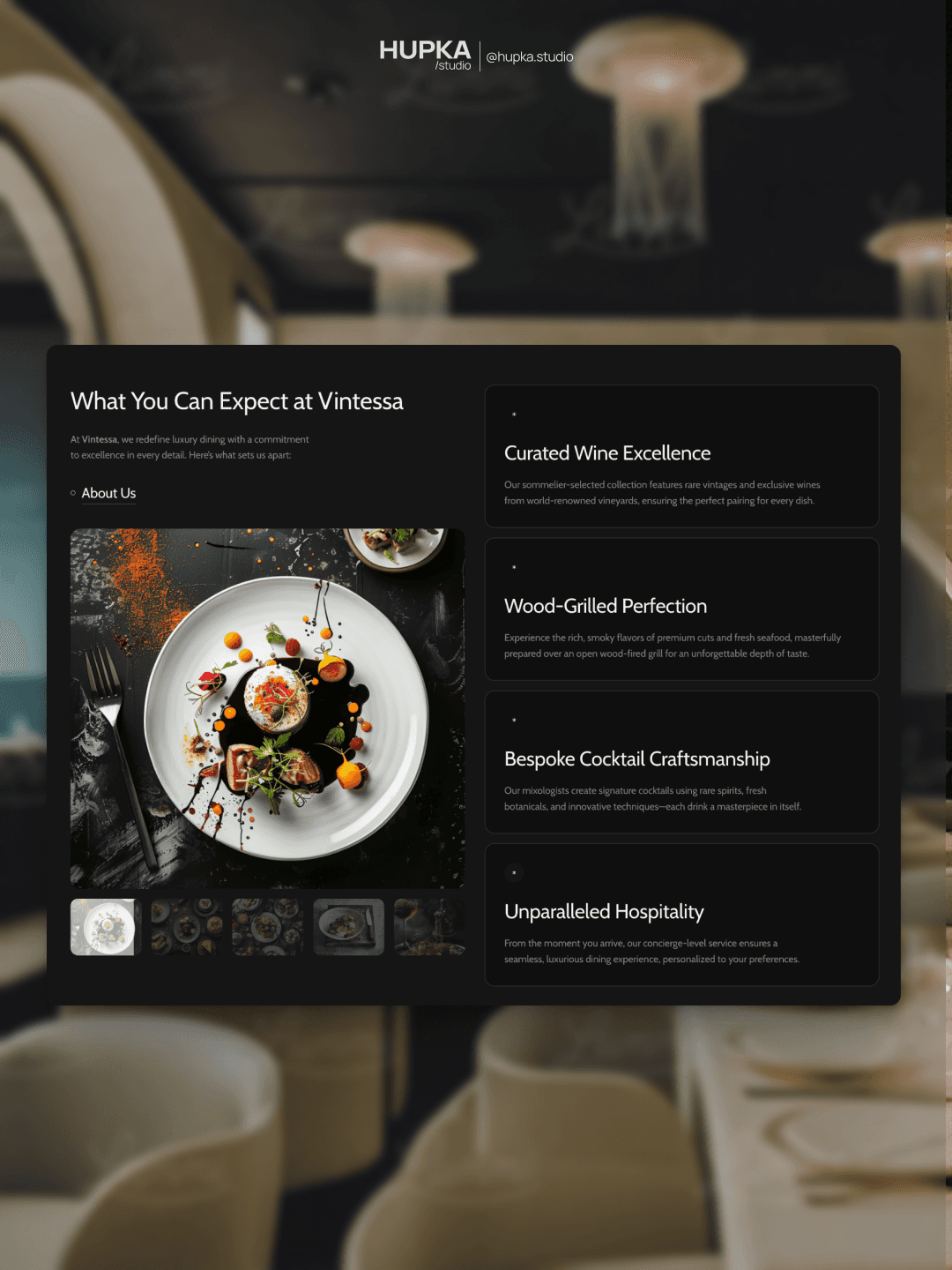
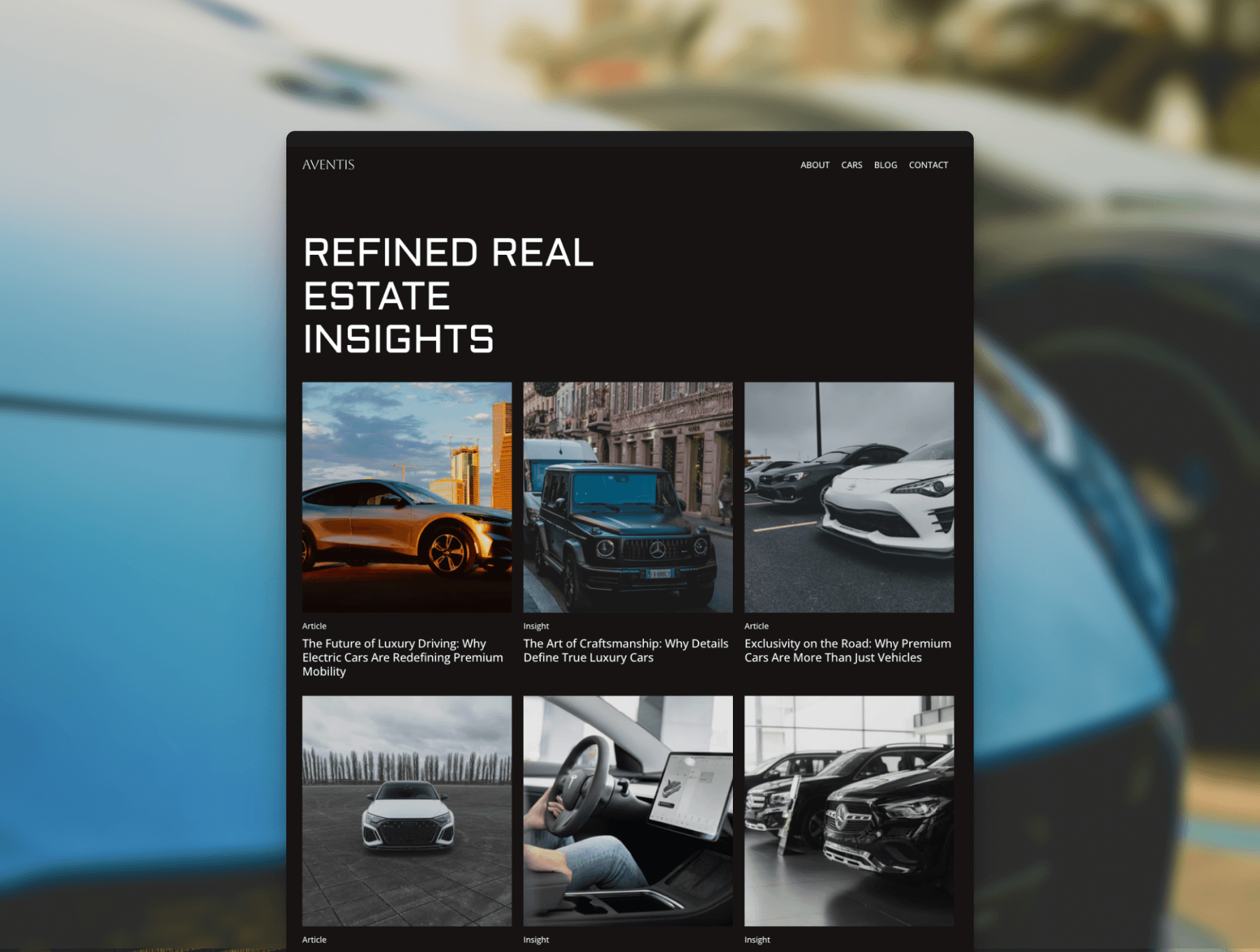
Comming Soon
Get Membership with unlimited template
Unlock the full potential of your designs with a membership that offers unlimited access to our entire library.
Comming Soon
Get Membership with unlimited template
Unlock the full potential of your designs with a membership that offers unlimited access to our entire library.
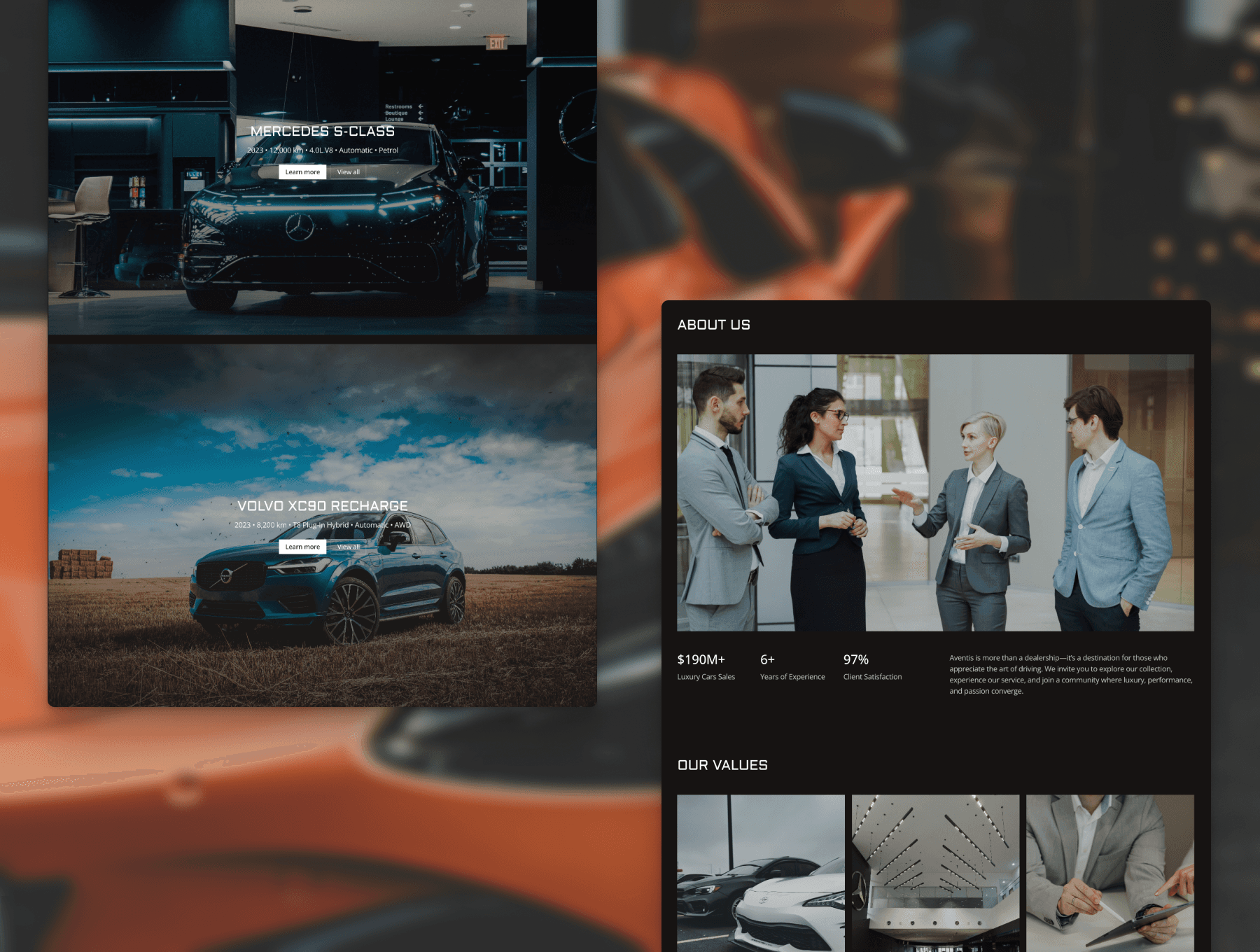
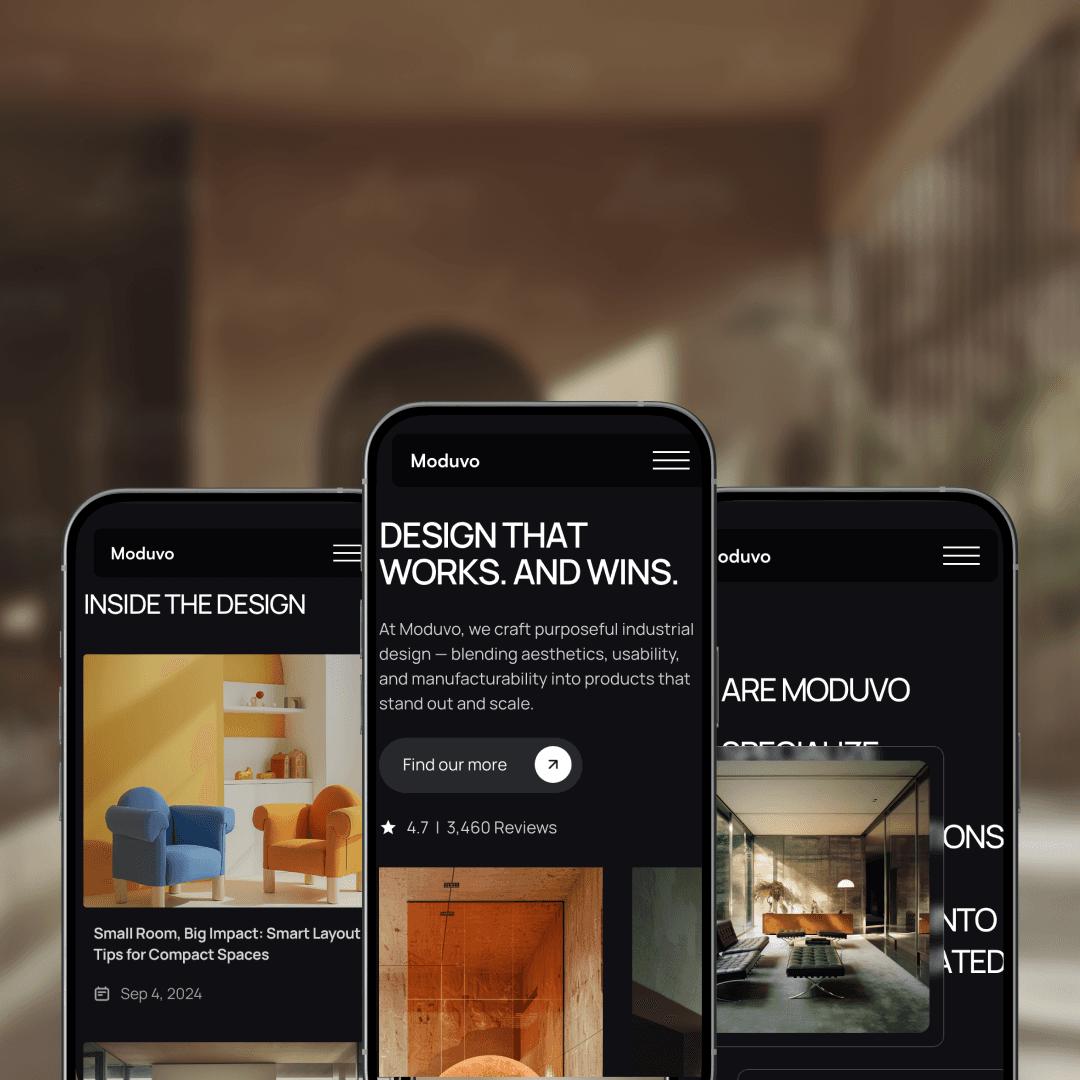
Comming Soon
Get Membership with unlimited template
Unlock the full potential of your designs with a membership that offers unlimited access to our entire library.
Frequently Asked Questions
Unlock the full potential of your designs with a membership that offers unlimited access to our entire library of premium templates and components.
Frequently Asked Questions
Unlock the full potential of your designs with a membership that offers unlimited access to our entire library of premium templates and components.
Frequently Asked Questions
Unlock the full potential of your designs with a membership that offers unlimited access to our entire library of premium templates and components.
How can I download or purchase a template?
All templates are available through Lemon Squeezy, a secure and easy-to-use platform that handles payments and downloads. Once you complete your checkout (or get a free one), you’ll receive an instant download link and lifetime access to any updates.
What kinds of websites can I build with your templates?
Each template is designed to be adaptable for any niche — from creative portfolios and personal brands to agency websites and service-based businesses. You can easily adjust colors, fonts, sections, and images directly in Framer, no coding required.
How often do you release new templates?
I’m constantly experimenting with new design ideas and typically release new templates every few weeks. The goal is to provide a diverse collection that fits different industries, styles, and goals.
Do you offer template bundles or discounts?
Yes! A template bundle option is currently in the works — it will let you get access to all premium templates for a fixed, discounted price. Stay tuned or subscribe to my newsletter to be notified when bundles go live.
Can I use your templates for client projects?
Yes — you’re welcome to use both free and paid templates for personal or client work. You can fully customize them and even combine different sections across templates. The only restriction is that you can’t resell or redistribute the templates as your own.
How can I download or purchase a template?
All templates are available through Lemon Squeezy, a secure and easy-to-use platform that handles payments and downloads. Once you complete your checkout (or get a free one), you’ll receive an instant download link and lifetime access to any updates.
What kinds of websites can I build with your templates?
Each template is designed to be adaptable for any niche — from creative portfolios and personal brands to agency websites and service-based businesses. You can easily adjust colors, fonts, sections, and images directly in Framer, no coding required.
How often do you release new templates?
I’m constantly experimenting with new design ideas and typically release new templates every few weeks. The goal is to provide a diverse collection that fits different industries, styles, and goals.
Do you offer template bundles or discounts?
Yes! A template bundle option is currently in the works — it will let you get access to all premium templates for a fixed, discounted price. Stay tuned or subscribe to my newsletter to be notified when bundles go live.
Can I use your templates for client projects?
Yes — you’re welcome to use both free and paid templates for personal or client work. You can fully customize them and even combine different sections across templates. The only restriction is that you can’t resell or redistribute the templates as your own.
How can I download or purchase a template?
All templates are available through Lemon Squeezy, a secure and easy-to-use platform that handles payments and downloads. Once you complete your checkout (or get a free one), you’ll receive an instant download link and lifetime access to any updates.
What kinds of websites can I build with your templates?
Each template is designed to be adaptable for any niche — from creative portfolios and personal brands to agency websites and service-based businesses. You can easily adjust colors, fonts, sections, and images directly in Framer, no coding required.
How often do you release new templates?
I’m constantly experimenting with new design ideas and typically release new templates every few weeks. The goal is to provide a diverse collection that fits different industries, styles, and goals.
Do you offer template bundles or discounts?
Yes! A template bundle option is currently in the works — it will let you get access to all premium templates for a fixed, discounted price. Stay tuned or subscribe to my newsletter to be notified when bundles go live.
Can I use your templates for client projects?
Yes — you’re welcome to use both free and paid templates for personal or client work. You can fully customize them and even combine different sections across templates. The only restriction is that you can’t resell or redistribute the templates as your own.